
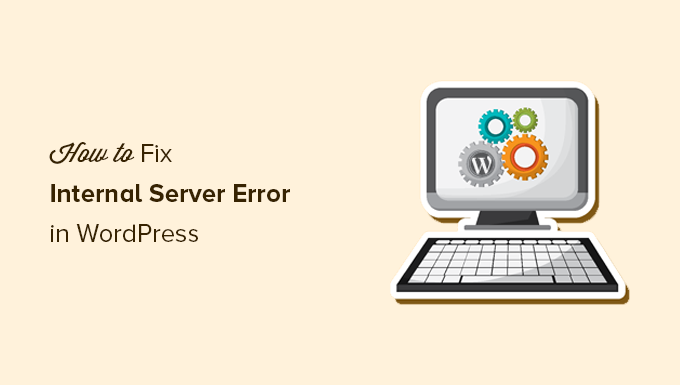
What is the 500 Internal Server Error?
This error is a server-side issue that usually means something is broken behind the scenes — but the server doesn’t say exactly what.
You may see this error when trying to access your homepage or WordPress admin dashboard.
Most Common Causes:
- Corrupted
.htaccessfile - PHP memory limit too low
- Plugin or theme conflict
- Syntax error in
functions.php - Server misconfiguration
Step-by-Step Fix:
1. Rename the .htaccess File
Use FTP or File Manager and rename .htaccess to .htaccess_backup. Then, go to WordPress dashboard → Settings → Permalinks → Save to regenerate a new file.
2. Increase PHP Memory Limit
Add this to your wp-config.php:
phpCopyEditdefine('WP_MEMORY_LIMIT', '256M');
3. Disable All Plugins
Rename the plugins folder to plugins_temp and check if the error goes away.
4. Revert to a Default Theme
Rename your current theme folder so that WordPress loads a default theme.
5. Enable Debug Mode
In wp-config.php:
phpCopyEditdefine('WP_DEBUG', true);
define('WP_DEBUG_LOG', true);
define('WP_DEBUG_DISPLAY', false);
Check the /wp-content/debug.log file to find specific errors.
Pro Tip:
Always back up your site before making changes. If the issue persists, your hosting provider may help by checking server logs.
Need a Developer?
If you’re overwhelmed, we offer WordPress error fixing services — contact us and we’ll handle it for you.